Operator guide
The operator console
Outcome: you can sign in to the console and know what each section is for.
The operator console is where you, the owner of the installation, run the platform. It is separate from the app your customers use: it has its own sign-in page, its own accounts and its own session, so a customer can never reach it.
Sign in
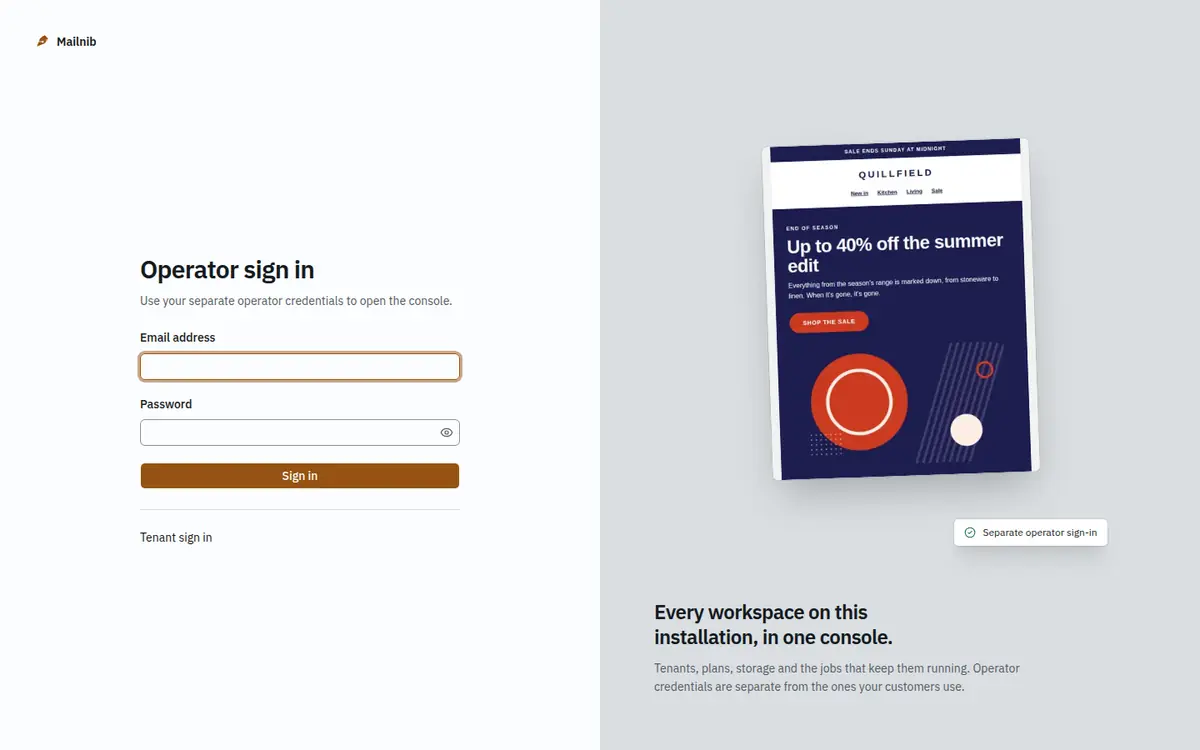
Go to https://your-domain/admin/login and sign in with the operator account you created in the web installer (or with pnpm db:seed).
Find your way around
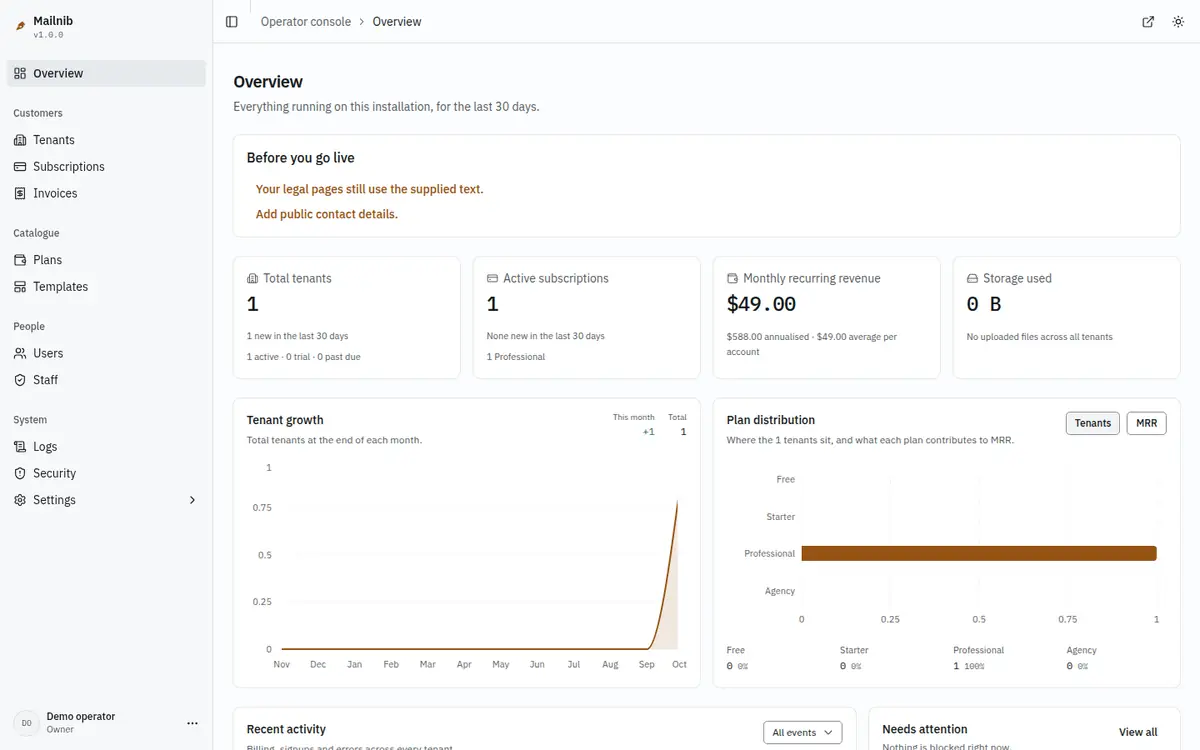
The sidebar is grouped by what you are doing:
| Section | What it is for |
|---|---|
| Overview | Tenants, active subscriptions, monthly recurring revenue and storage at a glance, plus workspaces that need attention. |
| Tenants | Every customer workspace. Create one, open one, change its plan, or suspend it. See Tenants and plans. |
| Subscriptions and Invoices | Every subscription and every invoice issued, across all tenants. Invoices are never edited or deleted. |
| Plans | The four plans and their limits. See Quotas. |
| Templates | The bundled templates, their order, the plan each needs, and whether each is published. See Templates. |
| Users | Everyone who has an account on the installation, across workspaces, and whether they have verified their email. |
| Staff | The operators who can open this console, and invitations for new ones. See below. |
| Logs | The application's structured log, filtered by day, level and text. |
| Security | A checklist of how the installation is set up (secret key, HTTPS, mail, storage, rate limiting), with how to fix each failing line. Read-only. |
| Settings | Platform-wide settings: branding, email, payments, merge tags and more. |
Each settings form shows a save bar as soon as you change a field; logo uploads and the merge tag catalog save as you go. Settings → Storage takes an S3-compatible bucket and its keys, or falls back to the storage environment variables, and tests the connection. The installed version is shown under the platform name in the sidebar. To close public sign-up, use REGISTRATION_DISABLED=true (see Configuration).
Staff
Open Staff to see who can sign in to the console. Invite operator sends an email with a one-time link that lets the new person choose a password. Operators have one of three roles: Owner can do everything, including staff; Admin manages tenants, plans, templates, payments and settings and reviews manual payments; Support can look people up and send password resets, and nothing else.
Keep the console to yourself
- Use a password you do not use anywhere else. Passwords found in known data breaches are refused.
- Operator sessions are separate from customer sessions. Signing out of one does not sign you out of the other.
- Every change to platform settings is recorded with who made it and the value before and after.
General settings reference
Platform name and support address. The name appears in page titles and account emails. The support address is shown to customers and used as the reply-to address on system mail.
Defaults. English is the only shipped language. Choose the initial timezone and the plan assigned to new workspaces; a Free plan lets people try the builder before paying.
Access. Closing signups prevents new registration while existing customers can sign in. Email verification depends on working SMTP. Disabling workspace creation restricts each person to their existing workspace.
Public URL check
System health compares the request host with the public URL, including the port. Account email links use PUBLIC_APP_URL, or the public URL saved by the web installer when that variable is empty. Set that value to the host customers use and restart or redeploy. Your trusted reverse proxy must supply the forwarded host header. A preview host can legitimately differ from the production domain.
Scheduled work and mail
Deferred work runs inline in the request that creates it. Billing reminders also need the authenticated scheduled endpoint described in Configuration. If email transport is set to log, nobody receives the messages; configure and test SMTP in Settings → Email.