User guide
Email checks and the size meter
Outcome: your email has no known problems and will not be clipped by Gmail.
Both tools sit in the editor's toolbar and update as you edit. They check the exact HTML your export will contain, not the canvas.
Email checks
The toolbar shows No issues or a count such as 1 issue. Click it to see the list, grouped into Errors, Warnings and Notes. Each item names the block and the row, says what is wrong and how to fix it.
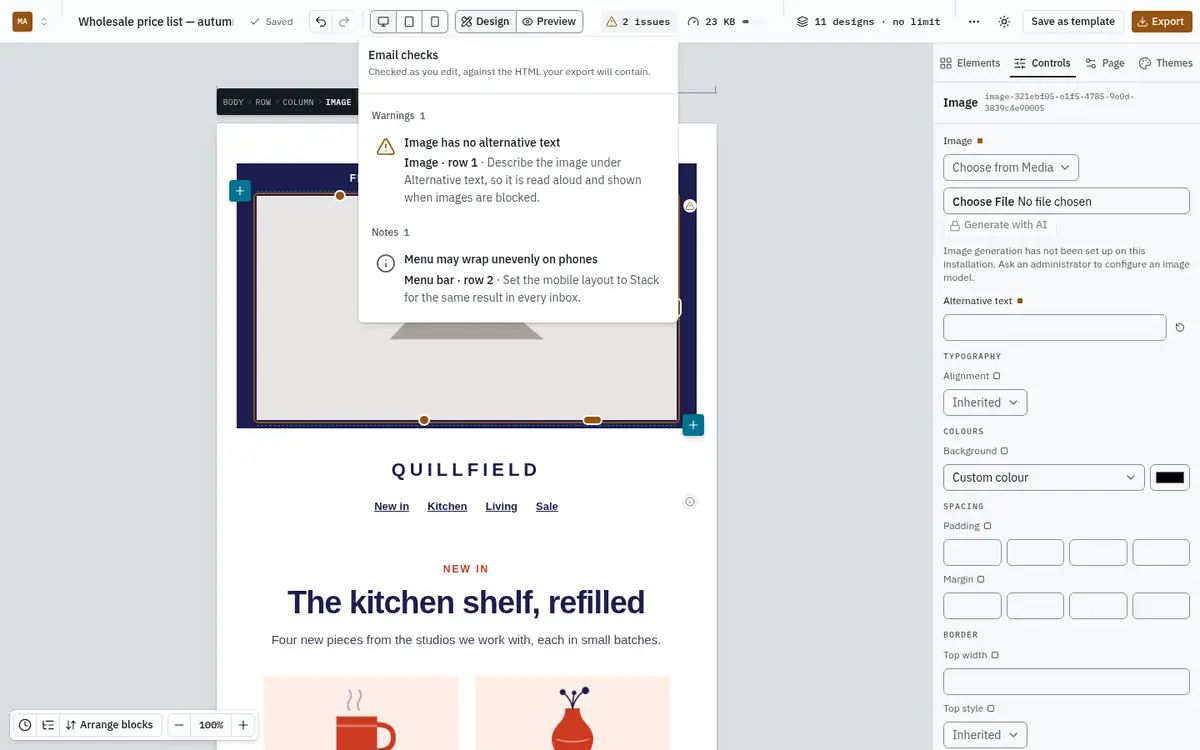
Click an item to select that block on the canvas. Blocks with an issue also carry a small marker at their edge.
What is checked:
| Check | Why it matters |
|---|---|
| Image has no alternative text | Screen readers read it aloud, and it shows when images are blocked, which many inboxes do by default. |
| Image file is missing, or wider than the email | A broken image, or a slow, blurry one. |
| Link is empty or not a web address | A button that goes nowhere. |
| No unsubscribe link | Most sending services and laws require one. Add {{unsubscribe_url}}. |
| Merge tag in capitals, or not in the catalog | It would not be filled in when sent. |
| Text hard to read, or smaller than 12px | Contrast below 4.5:1, or text phones will enlarge and reflow. |
| Empty row or column, or rows nested too deeply | Gaps in the layout, and nesting that breaks in Outlook. |
| Over 102 KB, or over 150 KB | Gmail clips; most inboxes clip or reject. |
| QR code may not scan | Foreground and background too close. |
A few notes need no action and say so, for example that a video is sent as a linked poster image because inboxes cannot play video.
The size meter
Next to the checks is the email's size, such as 11 KB, with a small bar. Click it for the detail.
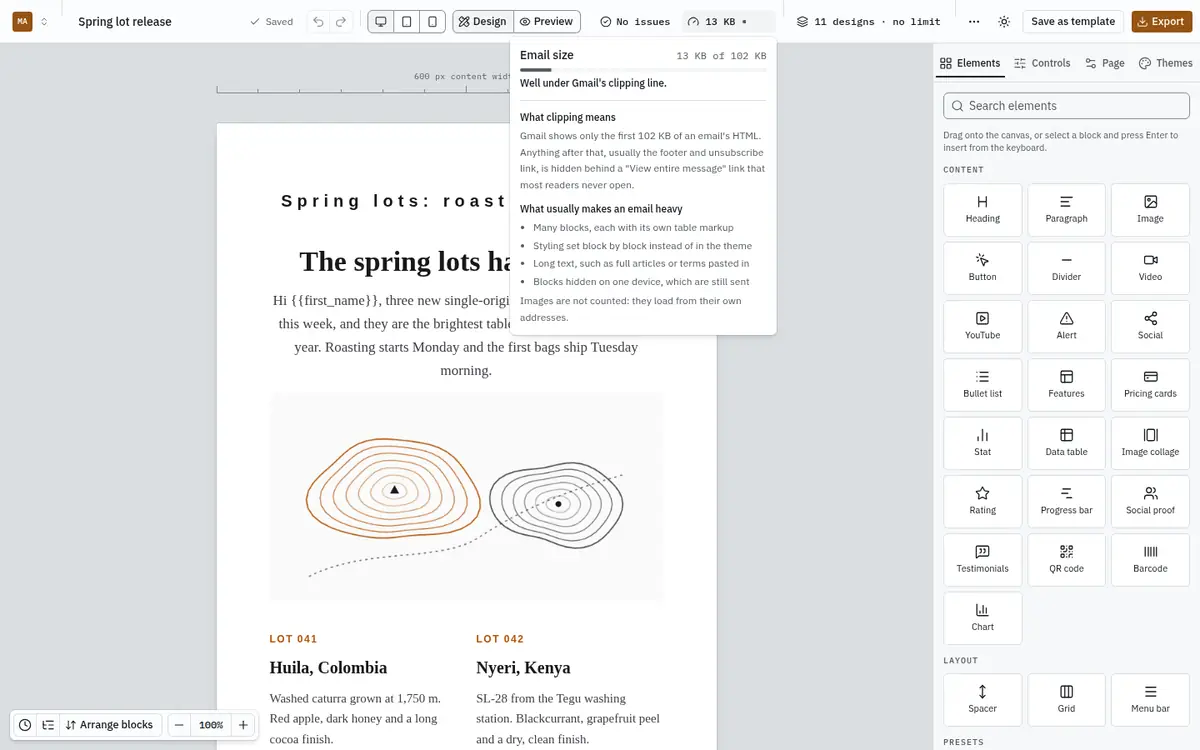
Gmail shows only the first 102 KB of an email's HTML. Everything after that, usually the footer and the unsubscribe link, hides behind a "View entire message" link that few people open. The meter turns to a warning from 90 KB and to danger above 102 KB.
What makes an email heavy, and what to do:
- Many blocks. Each block carries its own table markup. Split a very long email into two.
- Styling block by block. Set colours and fonts in the theme or brand kit instead of on each block.
- Long text, such as full articles or terms. Link to them instead.
- Blocks hidden on one device. They are still sent, so they still count.
Images do not count: they load from their own addresses. The exported file can be a little larger than the meter says, because image addresses become full https:// links.
On a phone, both tools are together under ⋯ → Checks and size.